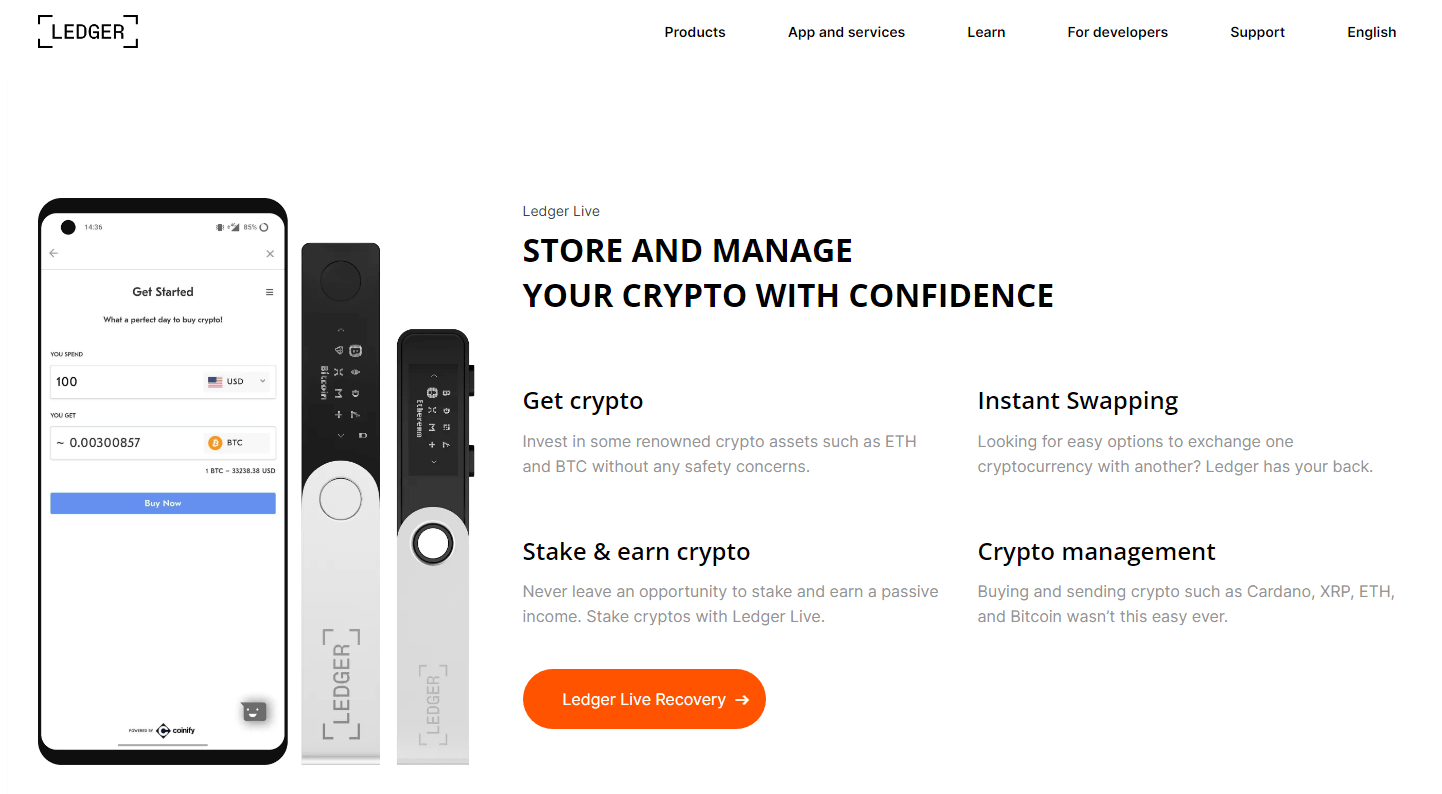
Ledger.com/start: A Complete Guide to Getting Started With Your Ledger Hardware Wallet
Introduction to Ledger.com/start
Managing cryptocurrency requires reliable tools, careful planning, and a strong understanding of digital security. A hardware wallet can help users protect their cryptocurrency by keeping private keys secured within a dedicated physical device. For people beginning their journey with Ledger, Ledger.com/start is an important starting point for learning about device setup and wallet management.
Whether you are new to cryptocurrency or already familiar with digital assets, understanding the setup process can make your experience more organized and secure. This guide explains the purpose of Ledger.com/start, the basic setup process, and essential practices for protecting your wallet information.
What Is Ledger.com/start?
Ledger.com/start is Ledger's official starting page for users who want to configure a compatible Ledger hardware wallet. It provides access to setup instructions and helps users find the appropriate software and resources for their device.
A Ledger hardware wallet is designed to protect private keys while allowing users to interact with supported cryptocurrencies. Instead of relying only on a computer or mobile phone, the hardware device provides an additional security layer for important wallet operations.
Before beginning, always check the website address carefully and make sure you are using Ledger's genuine website. Avoid downloading wallet software from unknown sources or clicking suspicious advertisements.
Why Choose a Hardware Wallet for Cryptocurrency?
Cryptocurrency ownership involves managing access to digital assets. If private keys or recovery information become exposed, another person may gain control of the associated funds.
Hardware wallets are designed to reduce certain online security risks by keeping private keys within the device. They also allow users to review and approve important transactions through the hardware wallet itself.
Some useful benefits include:
Dedicated protection for private keys
Physical confirmation of supported transactions
A recovery process for compatible wallet backups
Greater control over personal cryptocurrency management
Support for various digital assets, depending on the device and software
A hardware wallet is not a guarantee against every risk. Users must still follow safe practices when browsing websites, installing applications, and approving transactions.
How to Get Started With Ledger.com/start
Step 1: Prepare Your Ledger Device
Before beginning, keep your Ledger hardware wallet and a compatible computer or mobile device ready. Make sure the device is in good condition and that you can follow the setup instructions without interruption.
Choose a private environment where nobody can observe sensitive wallet information.
Step 2: Visit the Official Setup Page
Open your browser and enter Ledger.com/start directly. Check the spelling and website address before continuing.
The setup page can help you locate the appropriate instructions and software for your Ledger model.
Step 3: Install the Ledger Wallet Software
Download the official Ledger Wallet application, formerly known as Ledger Live, through Ledger's verified resources.
Install the application according to the instructions for your operating system. Avoid unofficial installers, modified applications, and software shared through unknown links.
Step 4: Configure Your Hardware Wallet
Connect your Ledger device and follow the instructions displayed during setup.
Depending on your situation, you may need to create a new wallet or restore an existing one. Set a secure device PIN and complete the configuration carefully.
Step 5: Protect Your Recovery Phrase
During a new-wallet setup, your device may generate a Secret Recovery Phrase. This phrase is extremely important because it can provide access to your cryptocurrency accounts.
Write it down accurately and store it in a secure, offline location. Never share it with anyone, including people claiming to represent customer support.
Do not save your recovery phrase in screenshots, emails, cloud storage, or ordinary digital notes.
Managing Your Crypto After Setup
Once your device is configured, explore the available wallet software features. Depending on your device, supported assets, and current software, you may be able to add accounts, review balances, receive cryptocurrency, prepare transactions, and monitor account activity.
Before receiving funds, verify the wallet address carefully. When sending cryptocurrency, check the recipient address, amount, and network details before approving the transaction.
Remember that blockchain transactions are generally irreversible. A small mistake can result in permanent loss of funds.
Essential Security Tips for Ledger Users
Security should remain a priority even after completing the initial setup.
Use only official Ledger resources.
Keep your recovery phrase private and offline.
Choose a PIN that is difficult to guess.
Verify transaction details on your hardware device.
Be cautious of unexpected messages and fake support accounts.
Keep your device and wallet software updated through verified channels.
These habits can help reduce common security risks and improve your confidence when managing digital assets.
Conclusion
Ledger.com/start provides a useful starting point for users who want to configure a Ledger hardware wallet and learn the fundamentals of cryptocurrency management. By following the correct setup instructions, protecting your recovery phrase, and reviewing transactions carefully, you can establish a more responsible approach to managing your digital assets.
A secure cryptocurrency experience begins with informed decisions. Take time to understand your hardware wallet, use trusted software, and maintain good security habits throughout your crypto journey.